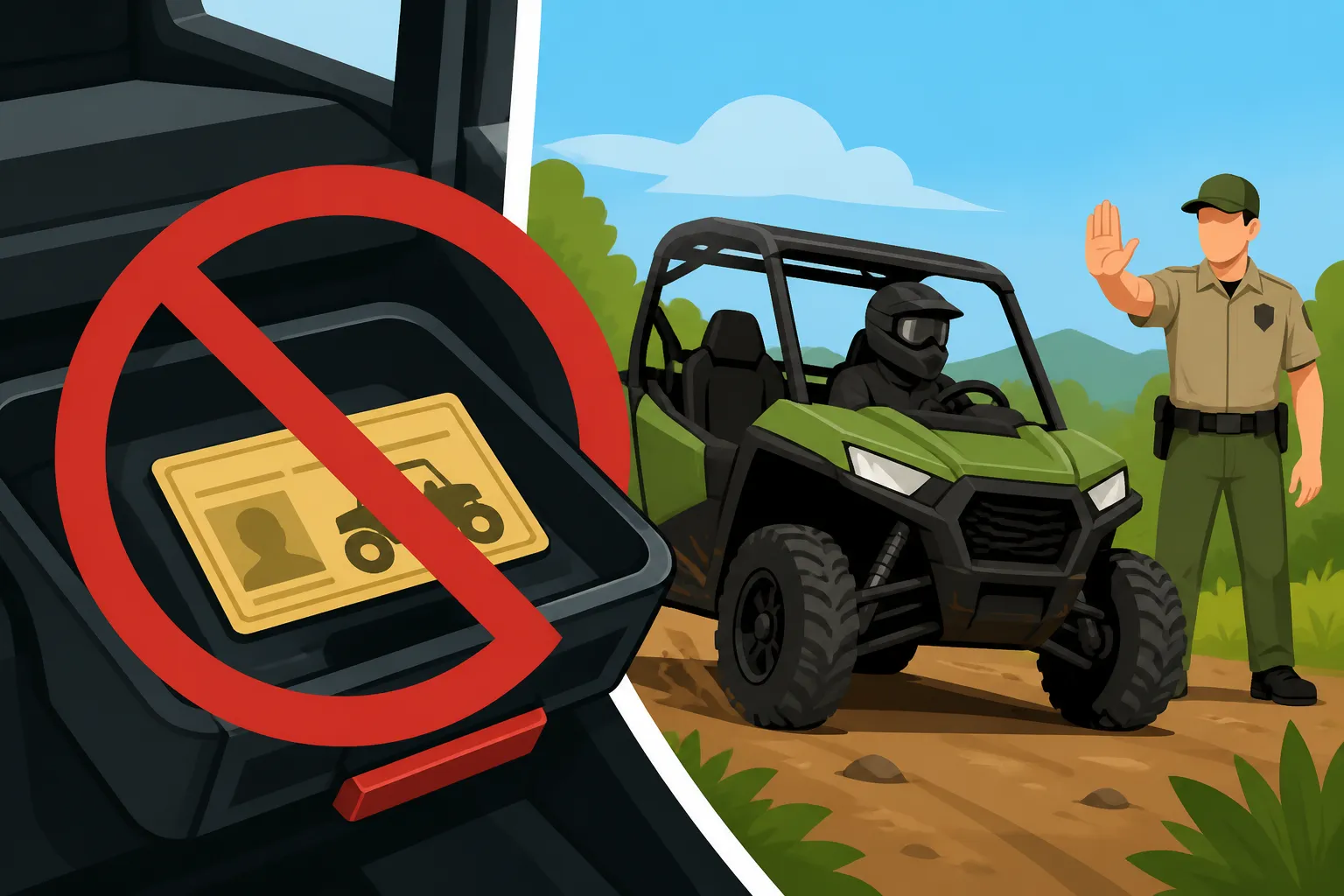
Leaving Your Missouri Permit in the Truck
You unload, ride to the trail, and realize your permit is still in the truck. What happens next depends on the land you’re riding and the type of permit involved. The safest move is to stop before entering the trail and retrieve the permit or confirm the land manager’s accepted proof. A few minutes of preparation can prevent a ride from turning into a citation or a trip back to the parking area.
First, Identify Which Permit You Left Behind
“Missouri permit” can mean different things. A state park riding permit and a Mark Twain National Forest permit belong to separate systems, and neither should be assumed to cover every riding area. Your machine’s Missouri registration decal is another separate item. Before deciding what to do, identify the permit the trail requires and what form of proof it uses.
For an overview of the different systems, see Missouri ORV Permits Explained. If you’re unsure whether your destination requires a permit at all, Do You Need a Permit for Missouri State Park Trails? can help clarify the distinction.
| What you left in the truck | What to check before riding |
|---|---|
| A state park ORV permit or proof of purchase | Check the park’s current instructions for the permit type, display method, and whether proof must be available at the riding area. |
| A Mark Twain National Forest permit | Check the permit’s terms and the current forest or trailhead instructions. Do not assume a park permit substitutes for it. |
| A Missouri registration decal or paperwork | Confirm whether the item is required for the specific riding area and machine. Registration and land-access permits are not interchangeable. |
| A receipt or confirmation | Check whether the receipt itself is accepted as proof, rather than assuming it is. |
| A permit for another person or machine | Verify that it applies to the rider, machine, or permit period in question before relying on it. |
A quick check matters because “I paid for it” and “I can show the required proof” may not be treated the same way at a gate or during a check. The land manager’s instructions for that permit are the best guide.
State park permits and forest permits are not interchangeable
State park riding areas and national forest trails can have different access requirements. If you are headed to a state park, check the park’s instructions for the permit and any associated display or proof requirements. For the forest, check the requirements for the specific trail area and permit. What the Mark Twain Forest ATV Permit Covers explains the forest permit context, while Where to Buy a Missouri ORV Permit is useful when you need to confirm where a permit is obtained.
Also check whether the permit applies to your vehicle type and destination. A permit for one riding system should not be treated as permission to ride in another. The same goes for a Missouri registration decal: it does not automatically replace a recreation-area permit.
A phone receipt may not be the same as a permit
Some riders keep a purchase confirmation on their phone as a backup. That can be useful, but do not assume a screenshot or email is accepted in place of the required permit or display. The specific permit rules determine what counts as proof. If the guidance is unclear, contact the park office or ranger district before unloading.
For forest permit questions, Showing a Forest Permit on Your Phone covers the practical issue of digital proof. If you already have a permit but need to obtain or retrieve the correct one for the ride, Buying a Forest Permit Online may also be useful.
What to Do When You Notice the Permit Is Missing
If you discover the permit is in the truck, pause before you ride onto the trail. Don’t count on being able to explain the mistake later or assume that a receipt, registration decal, or another rider’s permit will solve it. First establish what proof is required at that location, then make the simplest compliant choice.
- Stop before entering the riding area. If you are already on a marked trail, avoid continuing farther while you sort it out. Move to a safe place and follow posted instructions.
- Check the permit type and destination. Make sure the permit is for the land manager and riding area you are visiting, and that it applies to your machine and intended ride.
- Read the posted information. Trailhead boards and entrance signs may give specific directions about permits, proof, and who to contact.
- Retrieve the permit if practical. If the truck is nearby and the permit is a physical item, going back for it is usually more straightforward than guessing whether another form of proof is acceptable.
- If you cannot retrieve it, ask before riding. Contact the park staff, ranger district, or other land manager responsible for that riding area. Explain what you have and ask whether it meets the requirement.
- Follow the answer you receive. If you cannot confirm that you have the required permit or proof, do not continue onto the trail until you can meet the requirement.
This approach is useful even if you already bought the permit. Staff may need to verify that it is valid for the right area, date, machine, or rider. If you purchased it online, have the confirmation details available, but treat them as supporting information unless the permit instructions say they are accepted as proof.
If the permit is missing because you never purchased one, don’t assume you can buy one later or ride while waiting. Check whether a permit is available through the official sales channel and whether it can be purchased at or near the riding area. A Missouri Permit Bought That Morning and Buying a Missouri Permit Online for Three Days address the timing and purchase side of planning.
Keep Proof With the Ride, Not Just the Truck
The truck is a convenient place to store paperwork, but it is not useful when you are on the trail and someone asks about your permit. Build a routine that keeps the required permit or proof accessible in the way the land manager requires. That may mean carrying a physical permit, displaying it as directed, or keeping an accepted electronic version available. Confirm the actual instructions rather than choosing a method based only on convenience.
Make a pre-unloading check
Before you unload, run through a short checklist:
- Is this the right riding area for the permit I have?
- Do I have the required permit for this machine?
- Is the permit current for the planned ride?
- Is the permit displayed or carried in the required way?
- Can I reach the proof without returning to the truck?
- Have I checked for a closure or other change that affects access?
Checking before unloading is more reliable than trying to resolve a paperwork problem after the machine is on the trail. It also gives you time to find out whether the permit can be purchased or retrieved before committing to the ride. For current access conditions, use Checking a Missouri Trail Notice Before You Load.
Store a backup without relying on it as a substitute
A backup can make an inconvenient situation easier to resolve. For example, you might keep a confirmation email or permitted digital proof on your phone, and store physical paperwork in a dry sleeve. A weather-resistant phone pouch or small document sleeve from a retailer such as Amazon can help protect paperwork from mud and rain. But storage products do not change the permit rules: the land manager decides what form of proof is accepted.
If you use a phone, prepare for weak signal, a drained battery, or a damaged screen. Save any allowed digital proof so it can be opened without relying on a connection, and keep the relevant confirmation details easy to find. These are backups for access and convenience, not a reason to leave a required physical permit behind.
Keep permits and registration documents distinct
A common source of confusion is treating every sticker, card, receipt, or title document as though it serves the same purpose. Missouri registration, a state park riding permit, a forest permit, and proof of purchase can each have a different role. Carry what the specific ride requires, and check the instructions for each destination when you plan a trip involving more than one riding area.
Likewise, having a permit in the truck does not establish that a different permit system’s requirement has been met. Before a multi-stop trip, verify the requirements at each stop and keep the relevant proof accessible for that location.
A Simple Plan for the Next Ride
The best way to handle a permit left in the truck is to catch the problem before riding and retrieve the permit or confirm an accepted alternative with the responsible land manager. If you cannot establish that your proof meets the requirement, wait to ride until you can. That may cost time, but it is less risky than assuming a receipt, a phone image, or a different kind of decal will be accepted.
For future trips, use a consistent loading routine: check the trail notice, confirm the right permit, place required proof where you can access it, and only then unload. If you have several machines or riders, verify that the permit applies to each relevant machine or person rather than assuming one permit covers the group. Make the same check when changing destinations; a permit that works for one area may not work at the next.
If you are unsure what a specific permit covers, confirm the details with the agency or land manager before you leave home. Keep the answer with your trip notes, but continue to follow posted directions at the riding area. The key is not simply to have bought a permit—it is to have the right permit and be able to meet the applicable proof and display requirements when you ride.
Disclaimer
This article is for general informational purposes only and does not constitute professional advice. Laws, prices and regulations vary by location and change over time. Consult a qualified professional for guidance on your specific situation.