Buying a Missouri Permit Online for Three Days
Buying a Missouri Permit Online for Three Days
Planning a short ride at a Missouri state park? A three-day permit can be a convenient way to cover a weekend without buying a longer-term option, but it is easy to confuse with vehicle registration or a forest permit. Here’s how to buy the right permit online, confirm what it covers, and arrive ready to ride.
What a Three-Day Missouri Permit Covers
A three-day off-road vehicle permit is for riding at participating Missouri state park off-road areas during the permit’s stated validity period. It is a trail-use permit, not a general license to ride anywhere in Missouri. Before purchasing, check that the area you plan to visit accepts the permit and that its trails are open to your machine.
This distinction matters because Missouri has separate rules and permit systems for state parks, national forest trails, and other land. A state park permit does not automatically cover riding in the Mark Twain National Forest, on private property, or on a public road. Forest riding may require a separate permit, while private land requires the owner’s permission. The broader differences are covered in Missouri ORV Permits Explained.
A state park permit also does not take the place of state registration or a decal where those are required. The two serve different purposes: a decal or registration addresses the machine under Missouri’s vehicle rules, while the park permit addresses access to particular riding facilities. An out-of-state decal does not necessarily remove the requirement to buy a park permit, either. For the visitor-specific rules, see Missouri ORV Reciprocity With Other States.
| What you need | What it generally covers | What it does not replace |
|---|---|---|
| Three-day state park ORV permit | Riding at an eligible state park area during the permit’s stated dates | State registration, a forest permit, or landowner permission |
| Missouri ATV decal or registration | Applicable Missouri title or registration requirements for the machine | A state park trail-use permit |
| National forest permit | Riding in the forest area and under the permit’s conditions | A state park permit |
| Permission from a private landowner | Access to the land for the activity allowed | Any permit required by another land manager |
The permit may be tied to a vehicle type, such as an ATV or UTV, and facilities can also set machine-size limits. Width is one important check: a permit purchase does not guarantee that a machine can use every trail. Review the park’s current requirements for vehicle category, width, safety equipment, and trail access before paying. Measuring 64 Inches at the Gate explains why width can matter at a Missouri state park.
The permit is also not permission to use roads that are closed to off-road vehicles. Park roads, staging areas, trail loops, and connecting routes may have different rules. Follow posted signs and staff instructions even if the online purchase went through successfully.
How to Buy the Permit Online
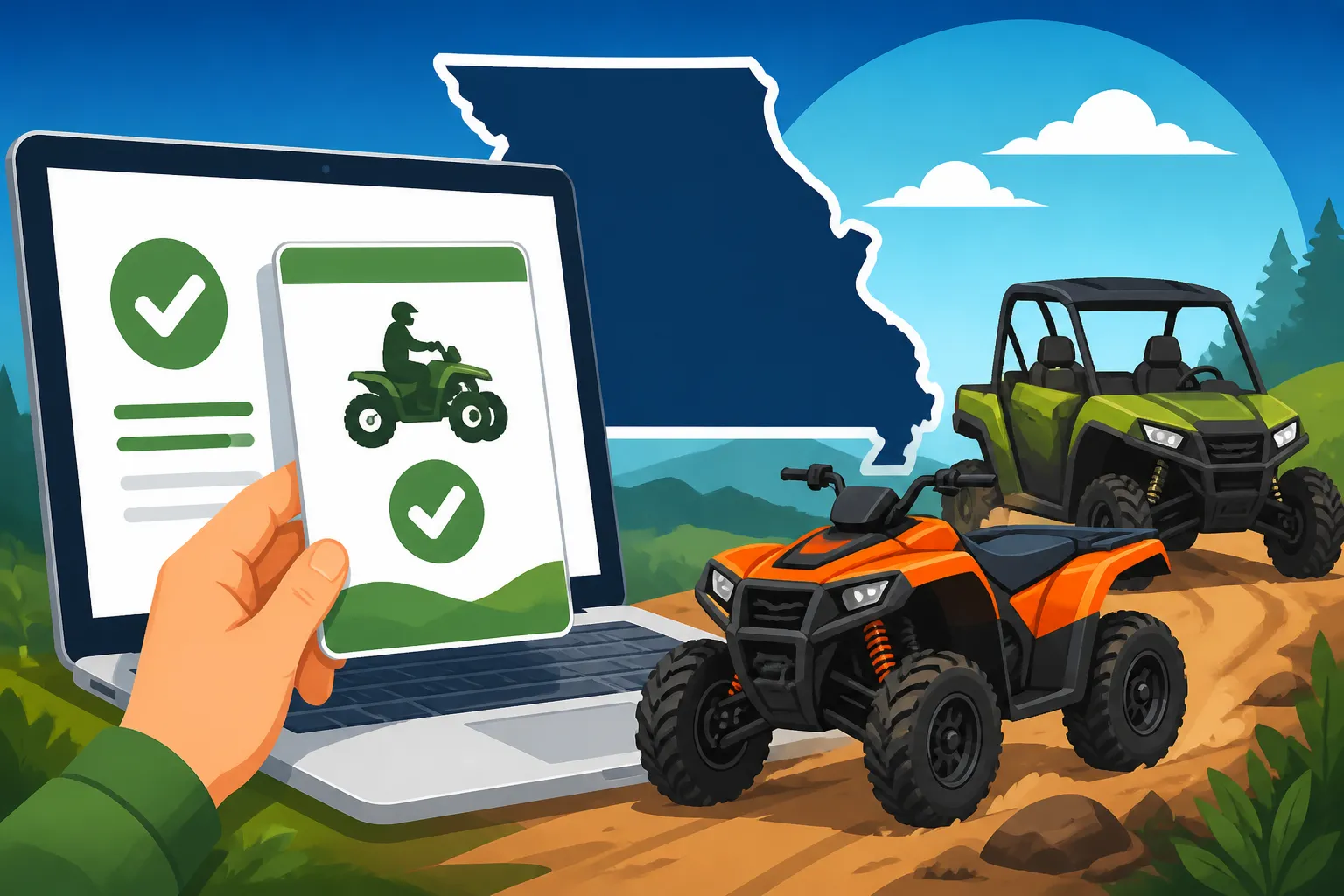
Use the official Missouri State Parks permit or reservation channel linked from the state park’s current information. Search for the specific off-road riding area rather than relying on a general search result, since a permit for one facility may not work at another. If you are unsure which facility page applies, confirm with the park before completing the purchase.
The exact screen layout and purchase options can change, so treat the checkout confirmation as the source of truth for the dates, vehicle category, and instructions. A practical online purchase sequence is:
- Choose the riding area. Confirm that the destination is a Missouri state park off-road facility and that it is open to your type of machine.
- Check the current trail information. Look for closures, operating hours, entry requirements, and any machine-width or equipment restrictions.
- Select the three-day option. Make sure the permit is for the right facility and vehicle category. Don’t assume a general admission or day-use item is the ORV trail permit.
- Enter the requested details carefully. Match the machine or rider information to what the checkout form asks for. Correct an error before submitting payment if possible.
- Review the dates and validity period. Check the start and end dates, time limits, and whether the permit covers the full days you expect to ride.
- Save the confirmation and permit instructions. Keep the email or receipt accessible, and follow any directions about printing, displaying, or presenting the permit.
- Check for changes before leaving. Trail conditions and access can change after you buy. Confirm the area is open before you load the machine.
Online shopping pages can use similar wording for different permits, so read the item description rather than selecting the first option that mentions off-road vehicles. If the checkout does not clearly identify the intended park, vehicle class, and dates, pause and ask the park or permit provider to clarify.
The purchase confirmation should identify what you bought and when it is valid. Save it where you can retrieve it without a reliable cell signal. A screenshot or downloaded copy can be useful, but use the method required by the permit instructions; a phone image may not satisfy a display requirement. If the instructions call for a printed document or a permit to be shown at a particular place, follow that direction.
For a wider overview of official purchase locations and permit types, see Where to Buy a Missouri ORV Permit. If you are specifically comparing the three-day option with other durations, Missouri Three-Day ORV Permit focuses on that permit format.
Choose the Right Dates and Machine Category
A three-day permit sounds simple, but the date range can trip up riders planning an overnight trip or a weekend that crosses into another day. Check the validity period printed in the purchase information rather than assuming it begins at a particular hour or runs through a particular time on the final day. The permit’s stated terms control.
If your plan changes after purchase, do not assume you can shift the dates yourself or reuse the permit later. Change, cancellation, and refund conditions can depend on the specific permit terms. Review them before checkout. Missouri’s policy is discussed in Why Missouri Permits Are Nonrefundable; if you need to make a change, contact the provider rather than relying on an unconfirmed assumption.
Select the correct machine category. A quad and a side-by-side may not be treated as the same vehicle type for permit purposes. A machine that fits physically on a trail may still require a different permit category, and facilities may set separate size limits. The category shown on your confirmation should match the machine you plan to ride.
When you’re uncertain whether a vehicle counts as an ATV, UTV, or another type, don’t guess based only on its model name or appearance. Check how the provider classifies the machine and compare that with the park’s own definitions. Why Missouri Splits ATVs, UTVs and ROVs explains why those labels matter across different Missouri rules.
A good pre-purchase check includes:
- The park or riding area you intend to visit.
- The dates and validity window you need.
- The correct ATV or UTV category.
- Any width or other machine eligibility limits.
- The permit’s display or check-in instructions.
- Whether a separate registration or decal is required.
- Whether the park’s trails are open during your planned visit.
The vehicle eligibility check is particularly important for side-by-sides. Some public riding areas have limits that exclude wider machines, even if the rider has purchased a valid permit. Verify the restriction for the specific park rather than assuming a state park permit gives access to every trail. For a permit-cost comparison by vehicle class, see Missouri State Park ORV Permit Prices.
Before You Ride: Confirmation, Check-In, and Trail Rules
Buying online is only one part of preparing for a ride. Before departure, open the confirmation and make sure the permit information is clear and accessible. If the permit must be displayed on the machine, follow the specified placement method. If it must be shown at a gate or to staff, have it ready before unloading or entering the riding area.
Do not rely on an email receipt as proof of every requirement. A receipt may show that you paid but not provide the document, decal, or display item required for access. Read the instructions attached to the permit and bring whatever they specify. If the instructions are unclear, contact the park before the trip rather than trying to resolve it at the trailhead.
Check current conditions on the day of travel. Heavy rain, maintenance work, seasonal restrictions, or other operational decisions can affect trail access. A valid permit does not guarantee that every trail will be open, and it does not override a closure notice. Use Missouri Trail Conditions Before You Ride and Missouri Trail Closures to Check First to build this check into your plans.
At the facility, read the entrance and trailhead signs before unloading. They may contain rules about helmets, flags, sound limits, spark arresters, speed, passengers, and designated riding areas. Requirements can vary by location and vehicle type. A permit is not a waiver of those safety rules.
State park trail permits should not be confused with national forest permits. If your trip includes a state park one day and a forest trail the next, confirm what each land manager requires. A park permit generally does not travel with you to a separate public-land system. Check What the Mark Twain Forest ATV Permit Covers for the forest side of that distinction.
Keep the machine within the designated riding area. Avoid closed trails and unauthorized connectors, even when a route appears to lead toward a familiar road or campsite. When in doubt, ask park staff before riding. A purchase confirmation can help show what permit you have, but it does not authorize travel beyond the areas covered by the permit.
Common Online-Purchase Mistakes to Avoid
Most problems are preventable by slowing down before checkout and checking the confirmation afterward. The common mistakes are less about the payment itself than about buying a permit that does not match the plan.
Choosing the wrong riding area. A permit for one facility may not cover another. Select the destination by its official name, and confirm the permit’s scope if your itinerary includes more than one park.
Selecting the wrong vehicle class. A side-by-side may need a different permit category from an ATV. If the online form’s options do not fit your machine, contact the provider before buying.
Assuming a permit handles registration. Trail access and vehicle registration are separate matters. If you are riding a machine subject to Missouri title or decal requirements, check those requirements independently. Does Your Decal Cover the Park Trail Permit? addresses the difference.
Assuming an out-of-state decal is enough. Reciprocity and public-land access are not interchangeable. Your home-state paperwork may be relevant to the machine’s registration, but the park may still require its own riding permit. See Riding Missouri With an Out-of-State Decal for the visitor question.
Booking dates without checking the validity window. A three-day label does not, by itself, tell you what time the permit begins or ends. Read the dates and terms before paying, especially if you plan to ride late on the first day or early on the last.
Assuming the trails will be open because the permit was available. Online availability and trail conditions are separate. Check for closures immediately before leaving and again at the entrance.
Leaving proof of purchase somewhere inaccessible. A confirmation buried in an inbox is not helpful when reception is poor. Save a copy offline and follow any instructions about printing or displaying it.
Expecting to use the permit in a different system. A state park permit should not be treated as a forest permit, a road-use permit, or private-land permission. If the route crosses between different kinds of land, verify each section separately.
If the wrong permit is purchased, contact the official permit provider promptly. Do not assume that a permit can be transferred, refunded, or edited after purchase. The provider can explain the applicable options and whether a new purchase is needed. Keep both the original confirmation and any customer-service response until the issue is resolved.
Frequently Asked Questions
Can I buy a Missouri three-day ORV permit online before my trip?
Yes, online purchase may be available through the official Missouri State Parks permit channel. Confirm that the listing is for your chosen riding area and machine category, then save the permit and follow its instructions.
Does the three-day permit cover every Missouri trail?
No. It applies only to the facility and use described in its terms. State parks, national forest trails, private land, and roads can have separate access rules and permits.
Does the permit replace my ATV decal or registration?
No. A trail-use permit and vehicle registration are separate requirements. Check the rules that apply to your machine and home-state registration as well as the park’s permit requirements.
Can I use an ATV permit for a UTV?
Not necessarily. Permit categories and trail limits can differ by vehicle type. Choose the category that matches the machine and verify any width restriction with the specific park.
What should I do if the trails close after I buy?
Check the permit’s terms and contact the official provider for guidance. Do not assume the permit can be moved to other dates or refunded; those options depend on the applicable conditions.
Disclaimer
This article is for general informational purposes only and does not constitute professional advice. Laws, prices and regulations vary by location and change over time. Consult a qualified professional for guidance on your specific situation.