Showing a Forest Permit on Your Phone
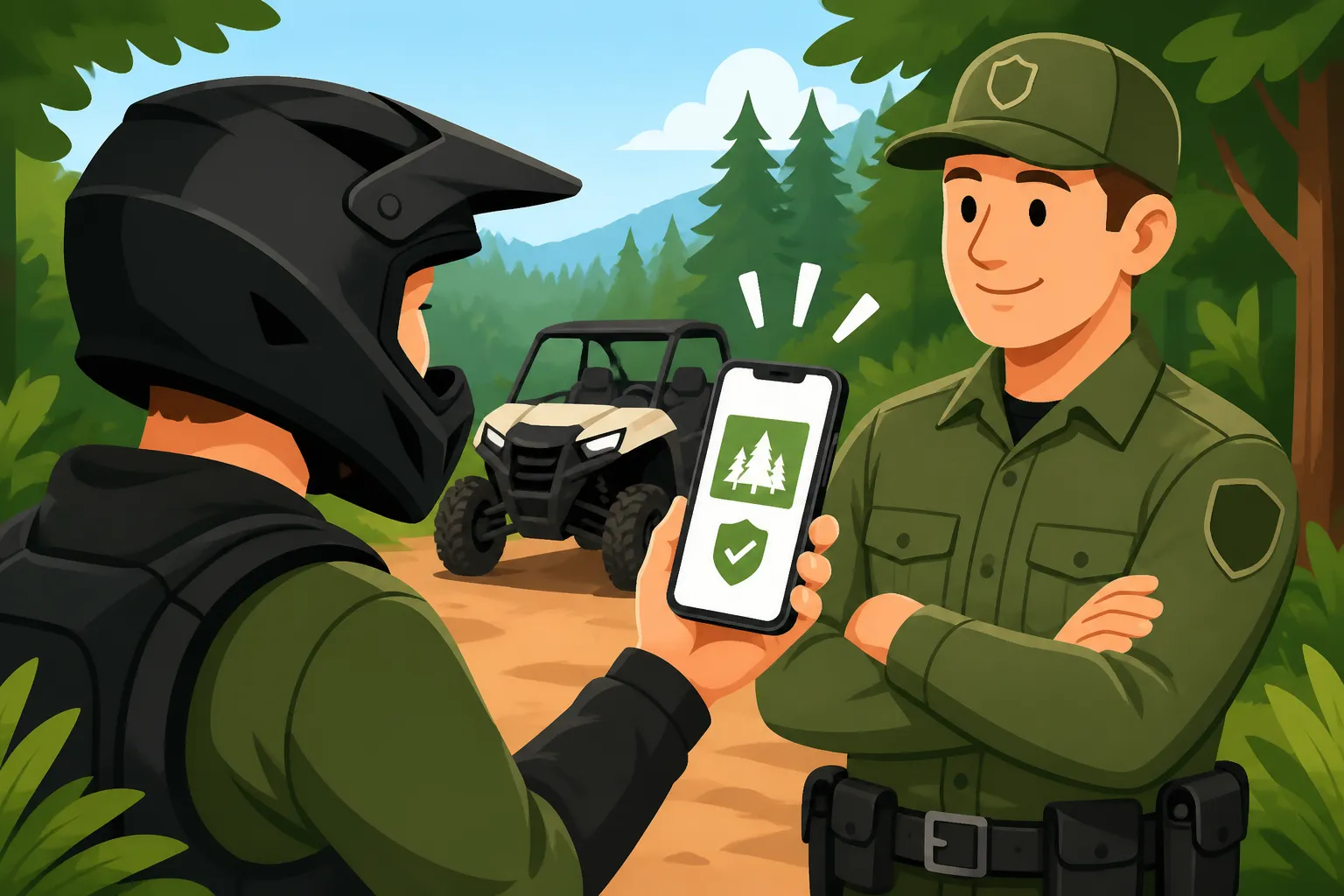
A phone is handy proof of purchase, but a screenshot is not automatically a substitute for every permit condition. Before riding on Missouri’s Mark Twain National Forest trails, check what your permit requires you to carry or display. A little preparation can help you avoid a frustrating stop when cell service is weak, your battery is low, or the permit instructions call for something other than a screen.
Can you show a Missouri forest permit on your phone?
Possibly, but don’t assume that a receipt or screenshot alone meets the rules. The right answer depends on the permit you bought and its current instructions. Read the conditions attached to the permit, including any directions about displaying it on your machine or carrying a printed copy.
Forest permits are separate from Missouri vehicle registration and state park permits. A Missouri registration decal, where required for a particular machine, does not automatically serve as a forest trail permit. Likewise, a permit bought for one riding area should not be assumed to cover another. The overview in Missouri ORV Permits Explained can help you understand how the different permit systems fit together.
If you bought a permit online, save the confirmation and permit details in a form you can access without a connection. A downloaded document or a screenshot may make it easier to find your information, but it is still only a practical backup unless the permit conditions accept it as proof. If the instructions call for a physical permit or a specific display method, follow that requirement even if you can open the order on your phone.
Before leaving home, check the current information from the permit seller and the relevant Forest Service office. Online purchasing instructions are available through Missouri Forest Permits Through Recreation.gov, but the details to follow are the conditions for the permit you selected. When anything is unclear, ask the issuing office whether a phone display is acceptable and whether a printed copy or machine display is also required.
This is especially important if you are riding in the Mark Twain National Forest. A purchase confirmation can show that a transaction occurred, but it may not show all the information an officer needs to verify that the permit covers your machine, dates, and riding area. Treat the confirmation as one part of your paperwork, not proof that every other permit condition is waived.
Prepare a phone copy that works offline
Cell service can be unreliable in forested and rural areas. If your permit page needs an internet connection to load, it may be unavailable when you need it. Prepare an offline copy before you travel, and open it once while you still have service to make sure it saved properly.
A useful preparation routine is:
- Open the permit and its conditions. Look for the permit’s name, permitted dates, riding area, vehicle information, and any directions about carrying or displaying it.
- Download the document if that option is provided. Save it somewhere easy to find on your phone, rather than relying on a link in an email that may require a connection.
- Take a clear screenshot as a backup. Include enough of the permit or confirmation to identify what it applies to. Don’t crop out conditions or details that may be needed for verification.
- Check that the file opens offline. Turn off your connection briefly before you leave, or otherwise confirm that you can access the saved copy without loading the online page.
- Keep the original purchase information. Save the confirmation email or receipt as well as the permit file. They may provide different details.
- Carry another form of proof if the instructions require it. Print the document or prepare a physical display when the permit conditions call for one.
| What you have | What it can help with | What to check |
|---|---|---|
| Permit page open online | Quick access while you have a connection | Whether it can be opened at the riding area |
| Downloaded permit file | Offline access to permit details | Whether the file is the actual permit or only a receipt |
| Screenshot | Backup when a page or email will not load | Whether all necessary details are visible |
| Printed copy | A backup if your phone fails or loses power | Whether a printout meets the permit’s instructions |
| Required physical display | Shows the permit in the manner specified | Where and how the permit must be displayed |
If the permit was purchased through Missouri Forest Permits Through Recreation.gov, check the account and confirmation materials for the actual permit document and its conditions. A payment receipt may not contain the same information as the permit itself. Save both if available, and make sure the name, dates, and riding location are legible.
Protect your phone as well as the permit file. Mud, rain, dust, and a drop on rocks can make a screen difficult to use. A waterproof phone pouch, including one available through Amazon, can add protection, but it does not replace the permit’s required display or paperwork. Keep the phone somewhere accessible and secure rather than loose on a rack or in a pocket where it may fall out.
A phone copy is also not a replacement for a working battery. Start with a full charge, and consider bringing a power bank if you rely on your phone for permits, maps, or emergency communication. In remote areas, conserve power by closing unused apps and lowering screen brightness when appropriate. Keep your route information available offline too; a permit screenshot won’t help you navigate a closed or confusing trail.
Keep the permit distinct from registration and other passes
Riders sometimes use the word “permit” for several different documents. That can lead to a preventable problem: having proof of one requirement and assuming it covers another.
A forest riding permit concerns access under the applicable forest rules. Missouri title and registration paperwork concerns the machine under state requirements, where those requirements apply. A state park permit covers access under that park’s system. These documents have different purposes, and a phone image of one does not prove that you have the others.
Before a trip, check what applies to your machine and destination. What the Mark Twain Forest ATV Permit Covers is useful for understanding the scope of that permit, while Does a State Park Permit Work at Chadwick? addresses why a permit for one system should not be presumed to work in another. For a broader review of access rules, see Missouri Rules for Riding a National Forest.
The same principle applies to permits for visitors and riders from other states. A registration decal from another state and a forest permit are not necessarily interchangeable. If you are visiting, check both the rules for your machine and the permit conditions for the place you plan to ride. Does Missouri Honor Out-of-State Registration? can help with the registration question, but it does not answer whether you have the required trail permit.
A quick pre-ride check can prevent these documents from getting mixed up:
- Confirm the permit is for the riding area you intend to visit.
- Check that the dates and machine information match your trip.
- Read whether the permit must be carried, displayed, or both.
- Keep registration and ownership paperwork separate from the permit file.
- Check for current closures or restrictions before setting out.
That final step matters even when your permit is valid. A permit does not grant permission to ride a closed trail or leave a designated route. Check Missouri Trail Closures to Check First before you load the machine, and read notices at the trailhead when you arrive. Closures, damaged routes, and local restrictions can change what is open for riding.
What to do if your phone cannot show the permit
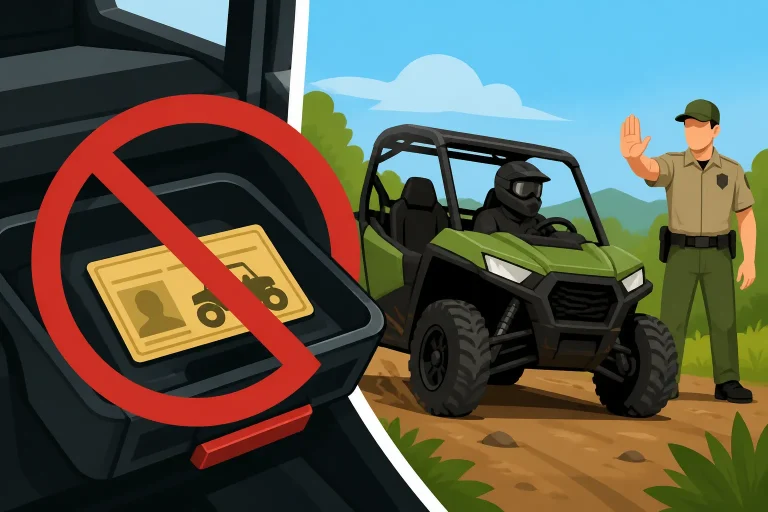
A cracked screen, dead battery, missing file, or weak connection can turn a simple check into a problem. Carrying a backup is sensible, but what counts as acceptable proof still depends on the permit instructions. A printed copy can be helpful if your phone fails, but don’t assume it satisfies a display requirement unless the permit conditions say so.
If your saved file will not open, try the simplest options first: check your downloads folder, open the confirmation email if it is stored on the device, and look for the screenshot. Avoid relying on a password reset or a fresh download from a remote trailhead if you may not have service. Store copies where you can find them quickly, and consider keeping a paper backup in a dry bag.
If you realize before riding that you do not have the required permit or cannot confirm its conditions, contact the permit seller or the appropriate Forest Service office. Don’t treat a payment receipt as permission to ride until you have checked what it actually proves. If you are already at the trailhead, read the posted information and follow the instructions there rather than guessing.
A good routine is to check the permit the night before, then make sure it is still accessible when you unload. If the permit has to be displayed on the machine, attach it as directed before riding. If it must be carried, keep it somewhere protected but easy to retrieve. For advice on purchasing and preparing the right permit, see Where to Buy a Missouri ORV Permit.
The practical takeaway is simple: make a phone copy available offline, but use it only in the way the permit conditions allow. A downloaded file and a screenshot are useful backups; they are not a reason to skip a required physical permit, display, or other paperwork. Check the current instructions before the trip, carry what they require, and keep your phone copy ready in case you need to show the details.
Disclaimer
This article is for general informational purposes only and does not constitute professional advice. Laws, prices and regulations vary by location and change over time. Consult a qualified professional for guidance on your specific situation.